 Alternatives
Skej
Conversational scheduling assistant that handles booking tasks from email and team messaging workflows.
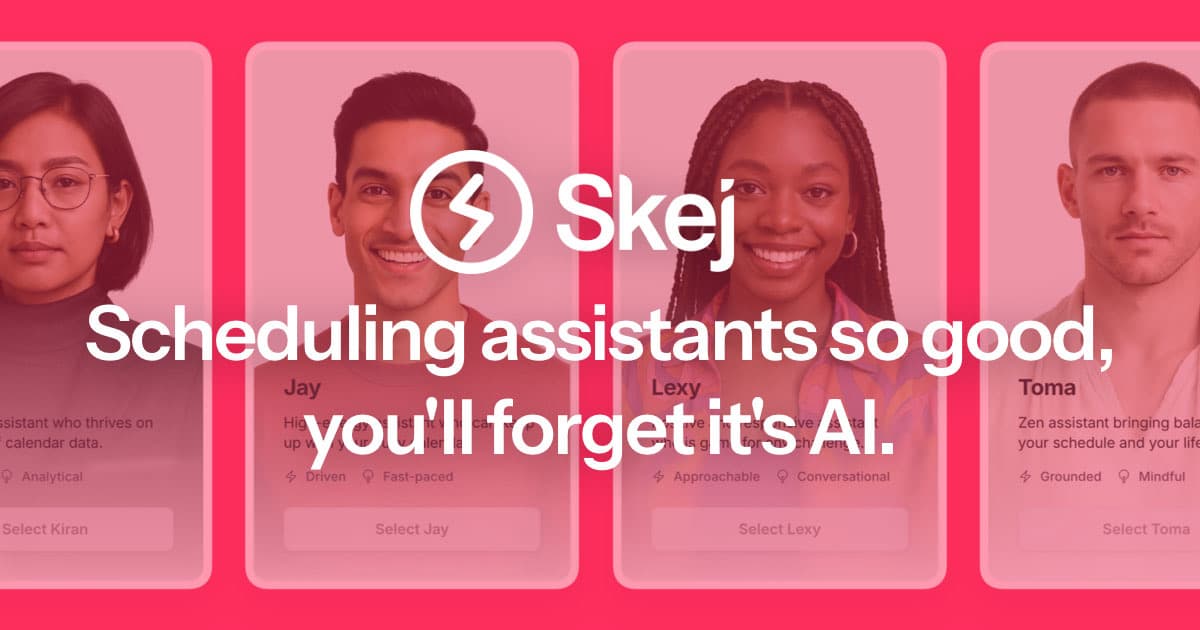
Skej is an AI scheduling assistant that works inside the conversation where the meeting is already being discussed. Rather than giving you a booking page to send out, it gives you an assistant with a name and an email address — you CC someone like lexy@skej.com on any thread, and it reads the context, checks your calendar, proposes times, chases non-responders, and books the meeting with the invite and video link attached.
The same assistant works over SMS, iMessage, WhatsApp, Slack, and Microsoft Teams, syncs with Google and Outlook calendars, handles rescheduling and cross-timezone coordination, and can even parse a Calendly link someone else sends you. Recipients need no account, no install, and no calendar connection — they simply reply in the thread as they would to a human assistant. Skej also ships its own conversational booking link, so it competes on Calendly's home turf too.
It offers a dozen assistant personas with distinct tones, custom-branded assistants on your own domain, team admin tools, and an unsupervised mode that lets the assistant act without approval. Pricing runs from a free tier with a single booking link up to per-seat paid plans and custom enterprise. It suits founders emailing investors, sales reps working live threads, and recruiters juggling candidate panels — anyone for whom sending a booking link to a VIP feels wrong.
Founders, investors, sales teams, and recruiters who want an AI assistant to negotiate meetings inside email and chat threads.
Quick links
Similar alternatives

Howie.ai
AI scheduling assistant that interprets meeting requests and helps coordinate calendar availability automatically.

Sidekick AI
AI-assisted scheduling focused on coordinating meetings from email and reducing manual back-and-forth.

Vimcal
Calendar-first scheduling with polished availability sharing aimed at fast-moving professionals and assistants.